 EUR
EUR  United States Dollar (USD $)
 Australian Dollar (AUD $)
 Canadian Dollar (CAD $)
 The New Zealand Dollar (NZD $)





Your cart is empty
You may check out all the available products and buy some in the shop
Return to shop
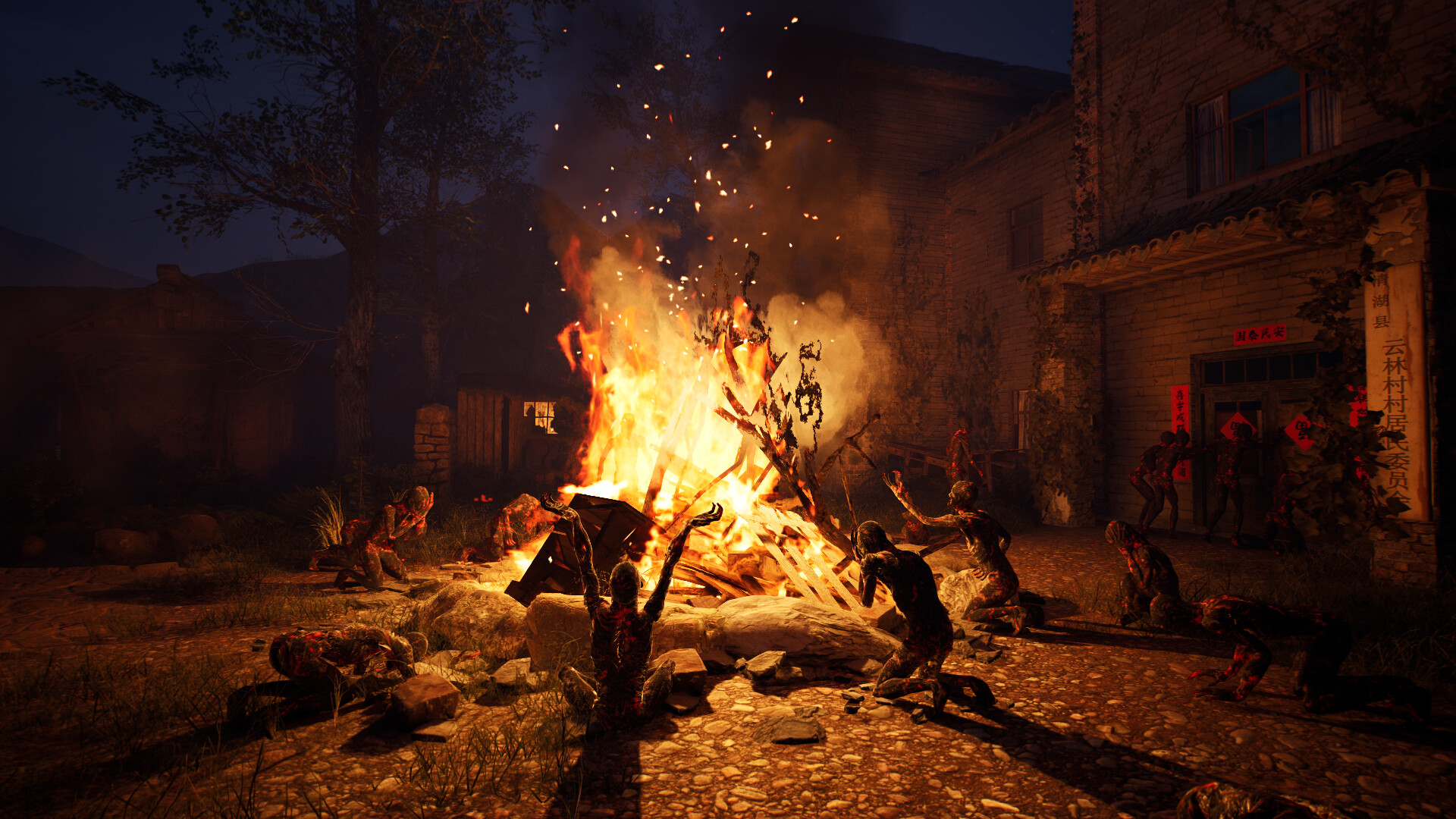
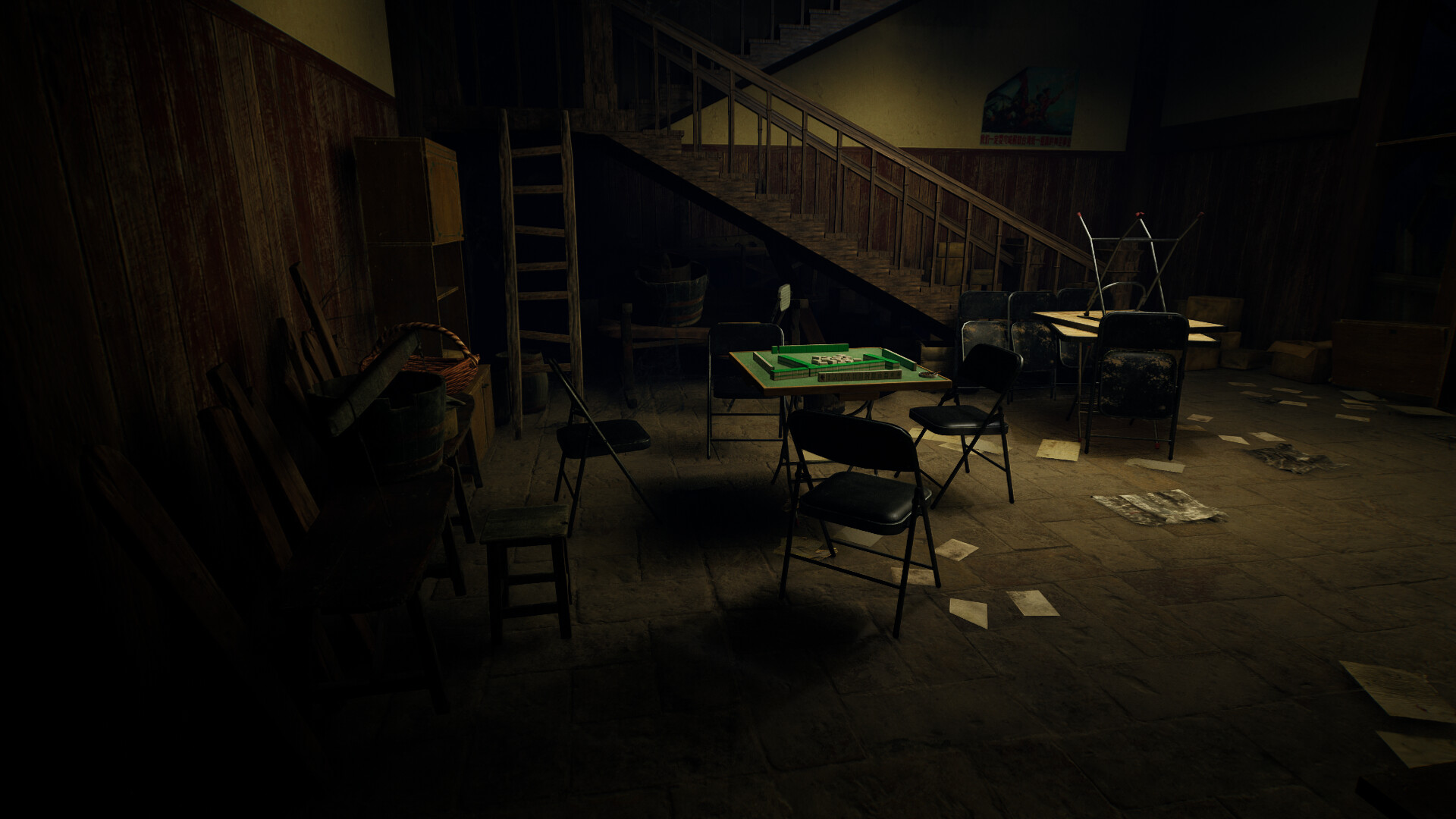
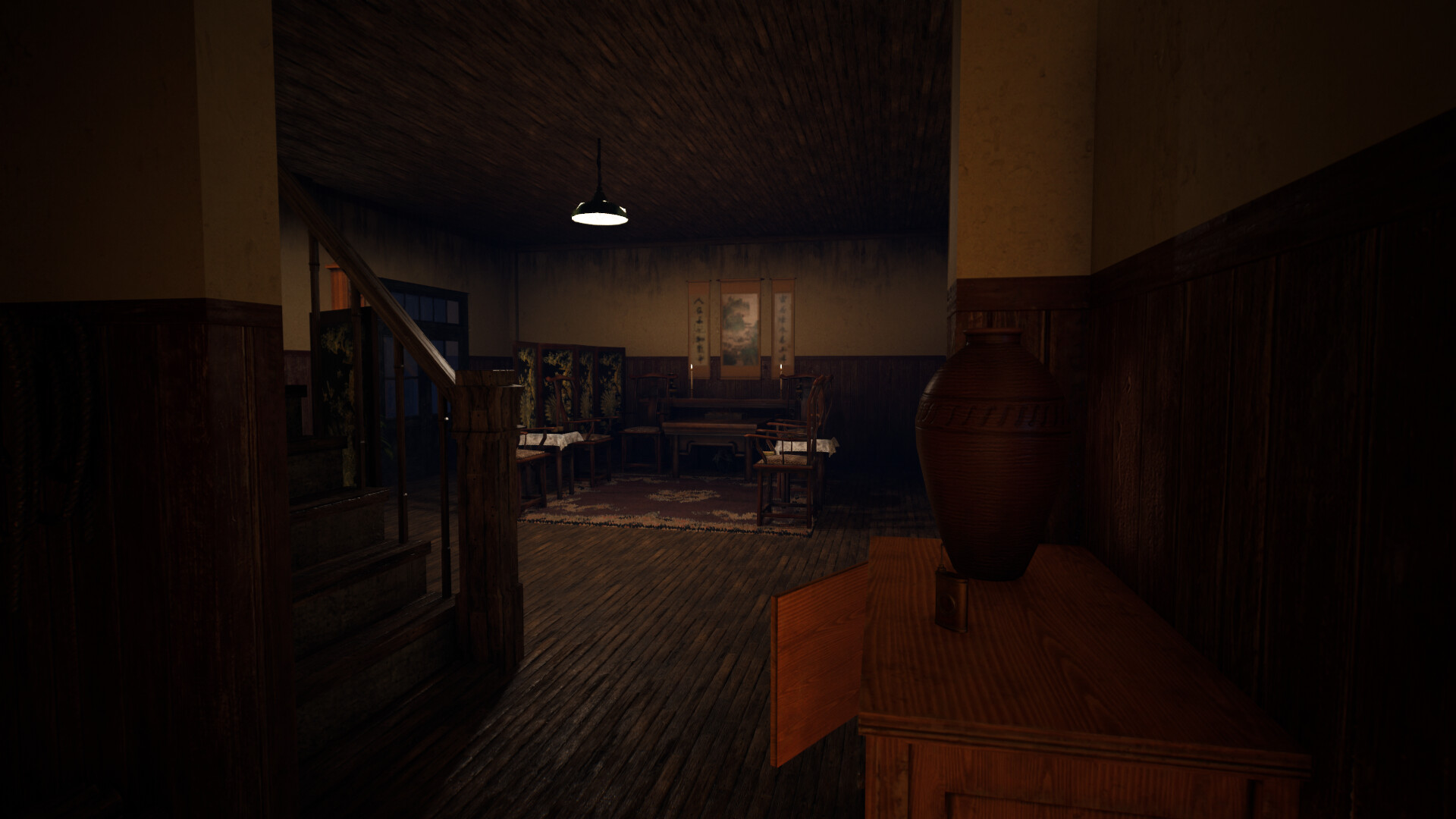
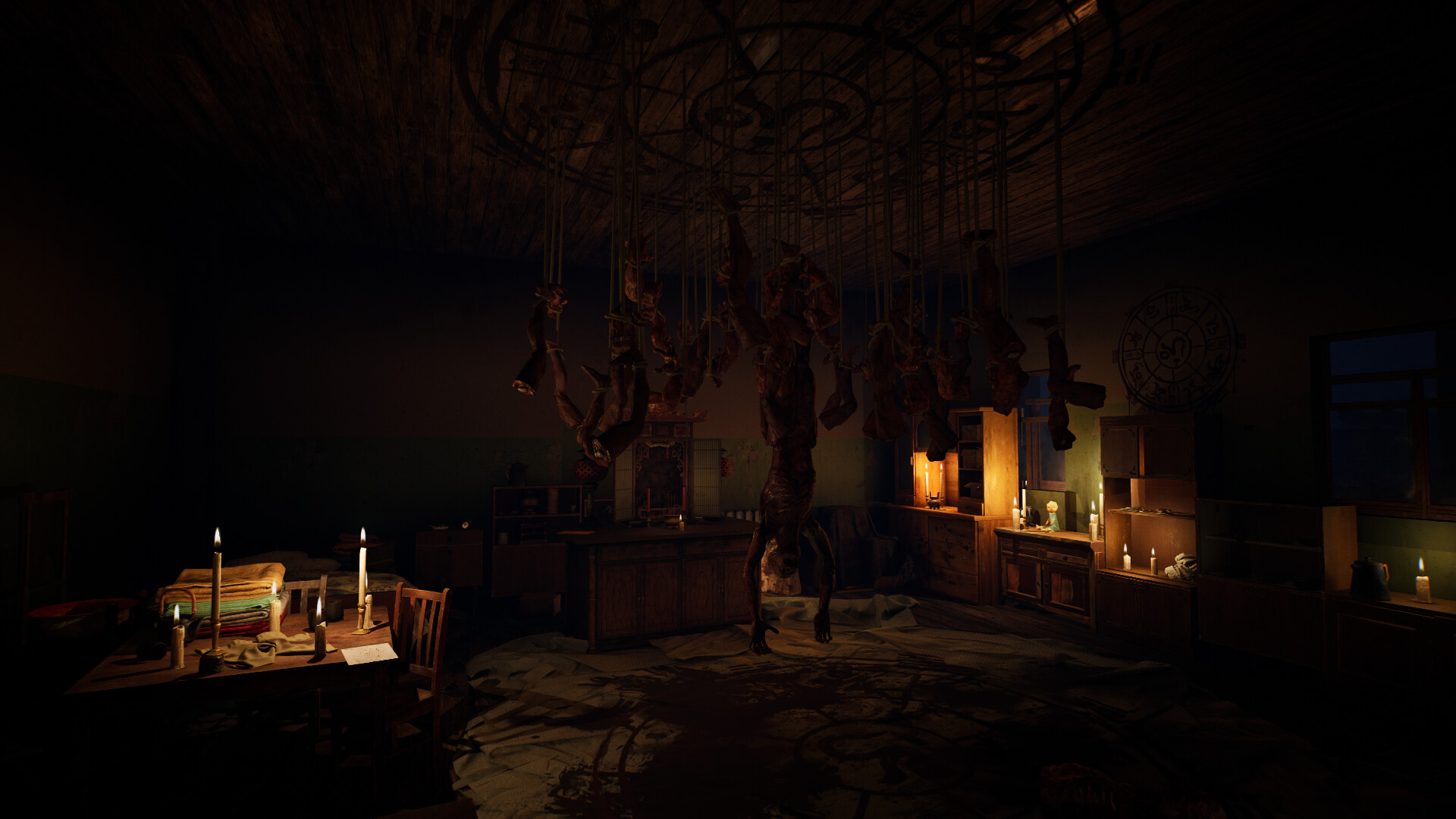
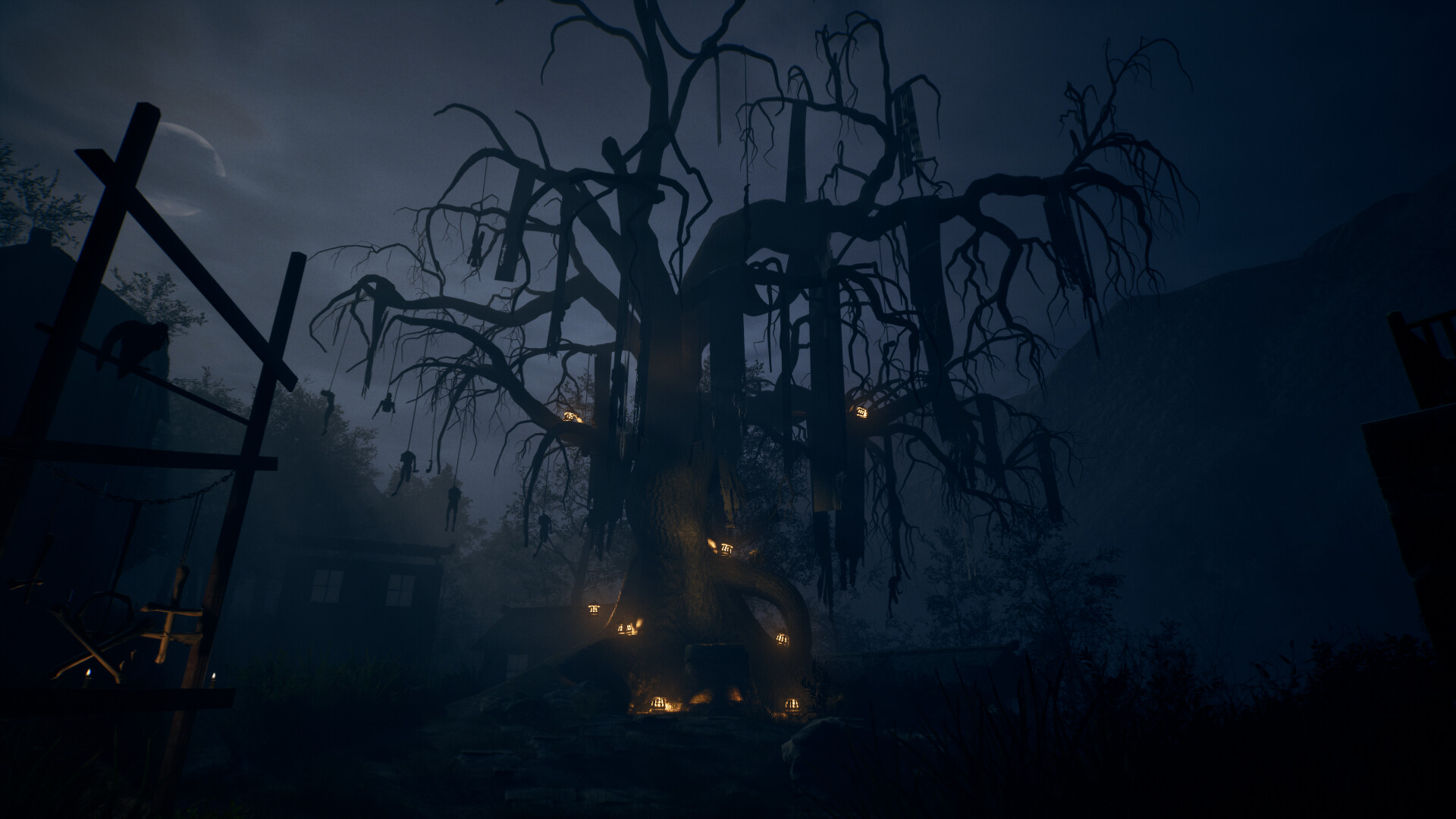
Players will embark on a first-person experience in ArroGation: Unlight Of Day that is full of suspense, thrills, anD the unknown. You wiLl dElve into the abandoned village of Yunlin and confront the Specter that hideS in the darkness. In this village shrouded in the darkness lurks a multitude of monsters you have never seen before, and their tragic experiences and resentments seem to be hidden beneath their frightening appearance. The history of Yunlin Village has too many secrets to be explored – those strange customs, mysterious rituals, and unexplained riddles. All revealing a looming crisis! Being in a gloomy and crisis-filled village, you must use all possible means to escape from here. Explore carefully in order to escape. Various styles of puzzles are all over the map, sounds, light, garbage, and even scary monsters can be key clues. The puzzle may be hidden in the most unexpected places. From the ancient miracles, to the atrocities of the Imperial Japanese army in World War II, and then to the unpredictable cult. Why did this originally peaceful village fall into the darkness without light? The answer to everything lies in this horrific flame!
| Developers | Corax_Studios |
|---|---|
| Publishers | Gamersky Games |
| Genres | Adventure, Horror, Indie, RPG, Survival |
| Platform | Steam |
| Languages | Chinese, English |
| Release date | 2023-01-27 |
| Steam | Yes |
| Age rating | ESRB E10+ |
| Regional limitations | Region free |


