 EUR
EUR  United States Dollar (USD $)
 Australian Dollar (AUD $)
 Canadian Dollar (CAD $)
 The New Zealand Dollar (NZD $)






Your cart is empty
You may check out all the available products and buy some in the shop
Return to shop
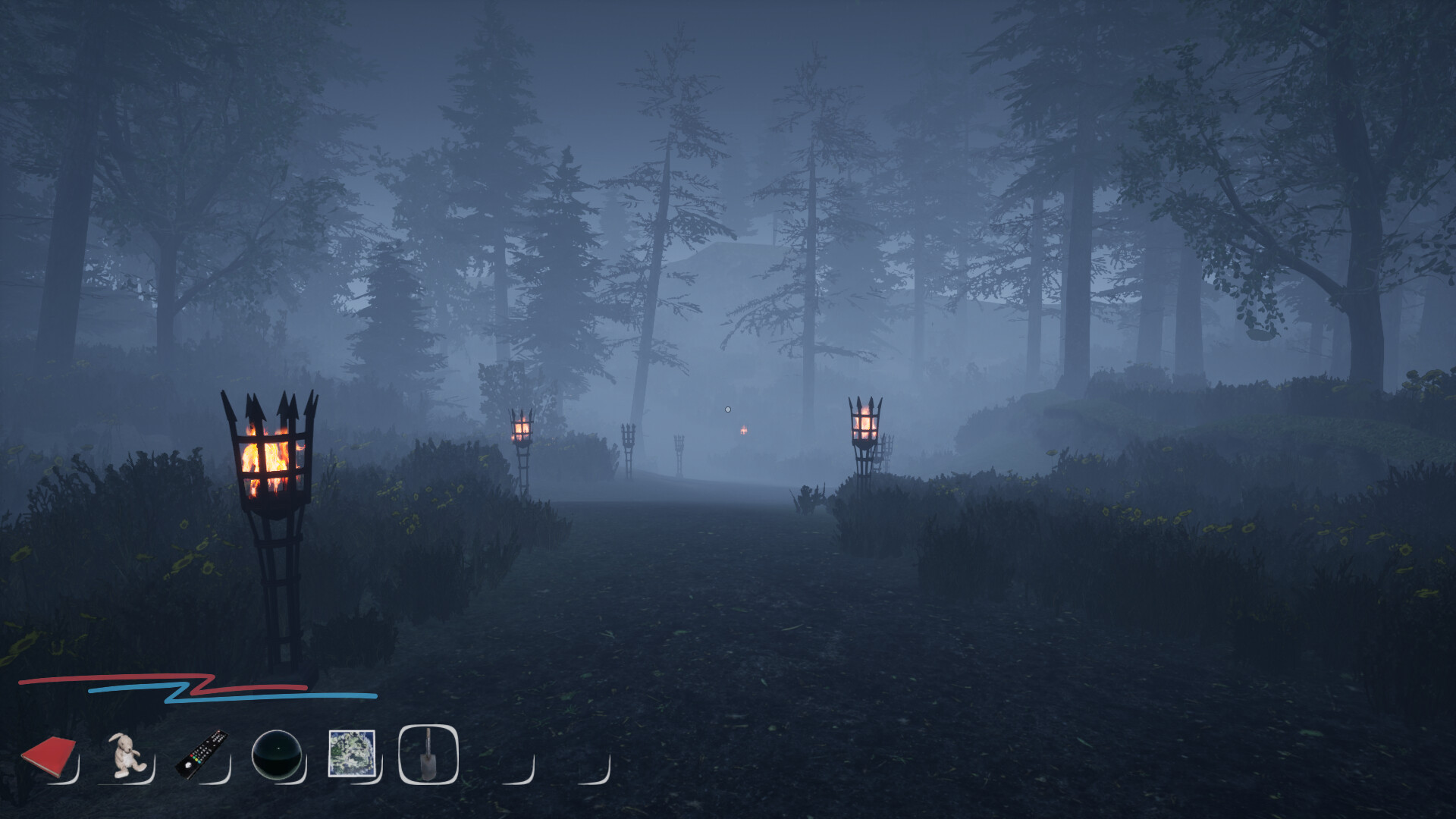
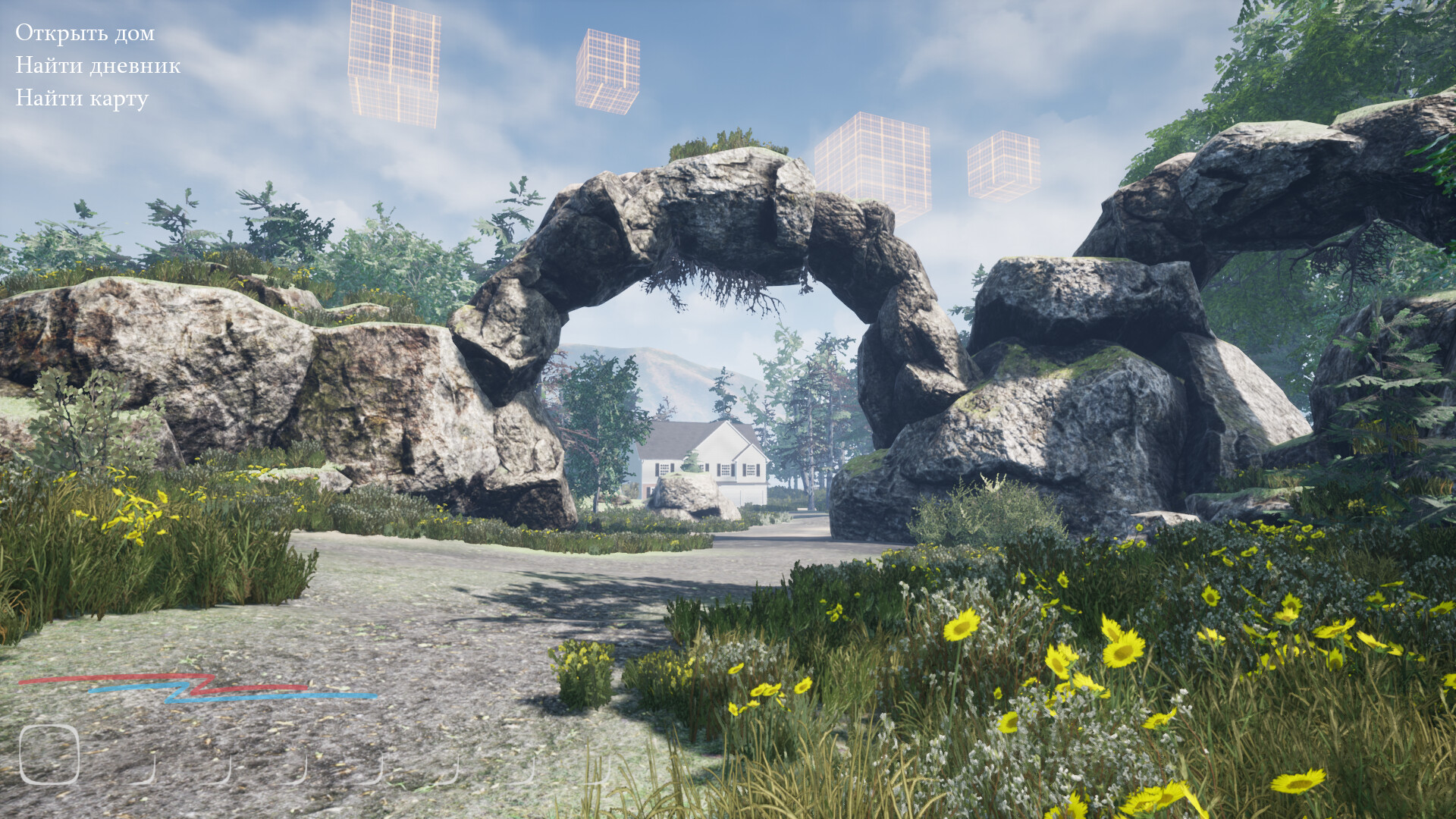
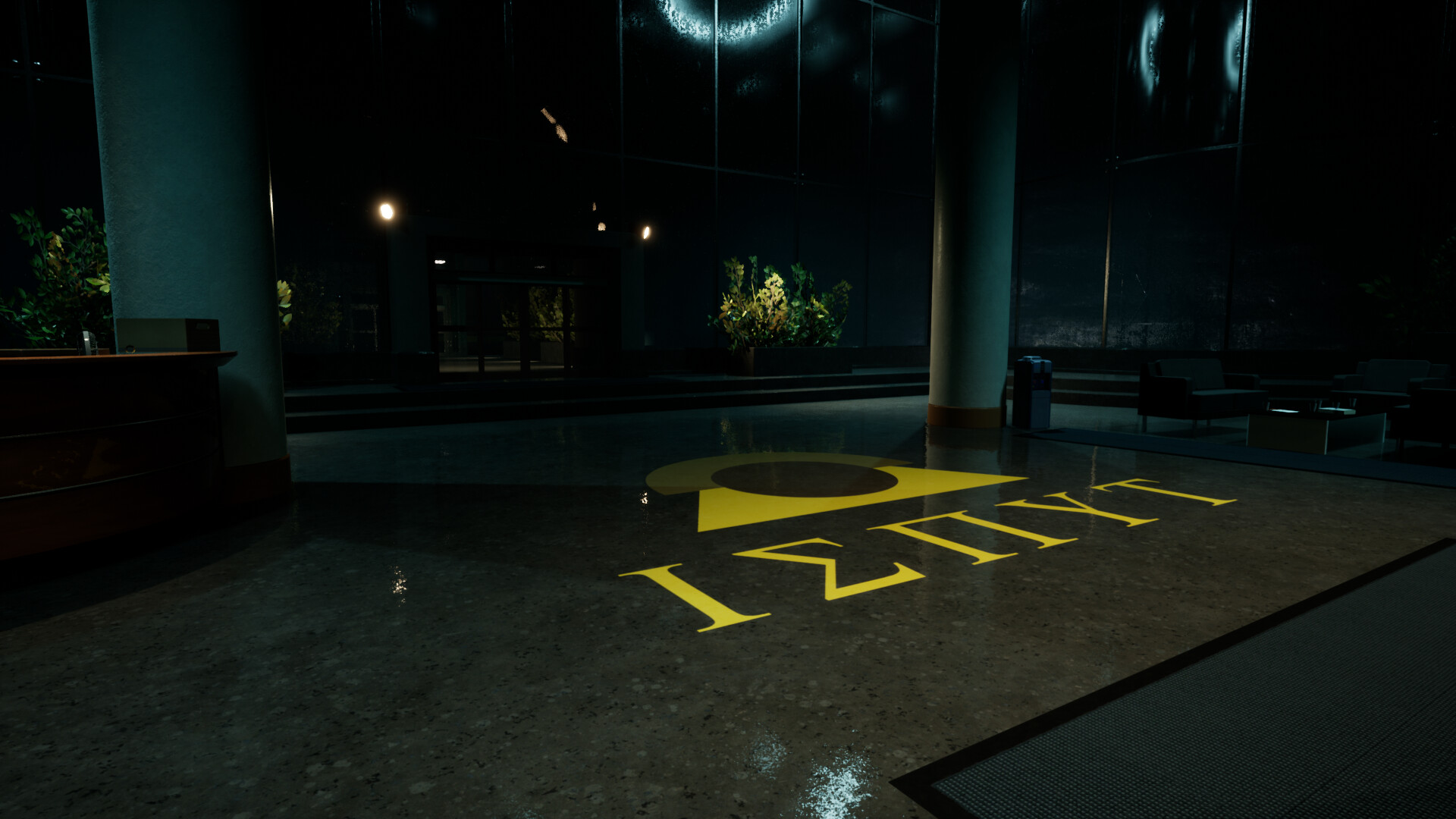
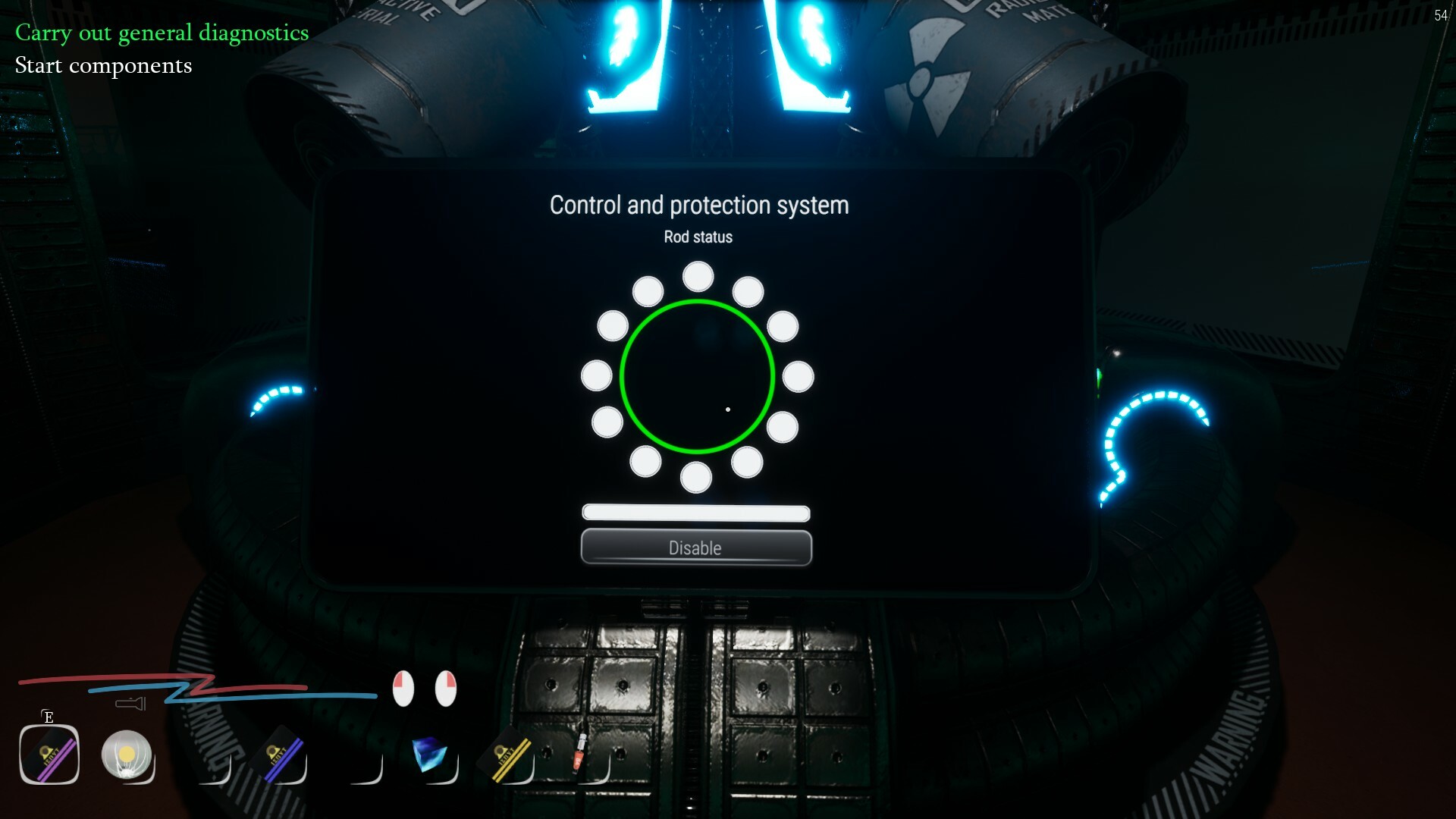
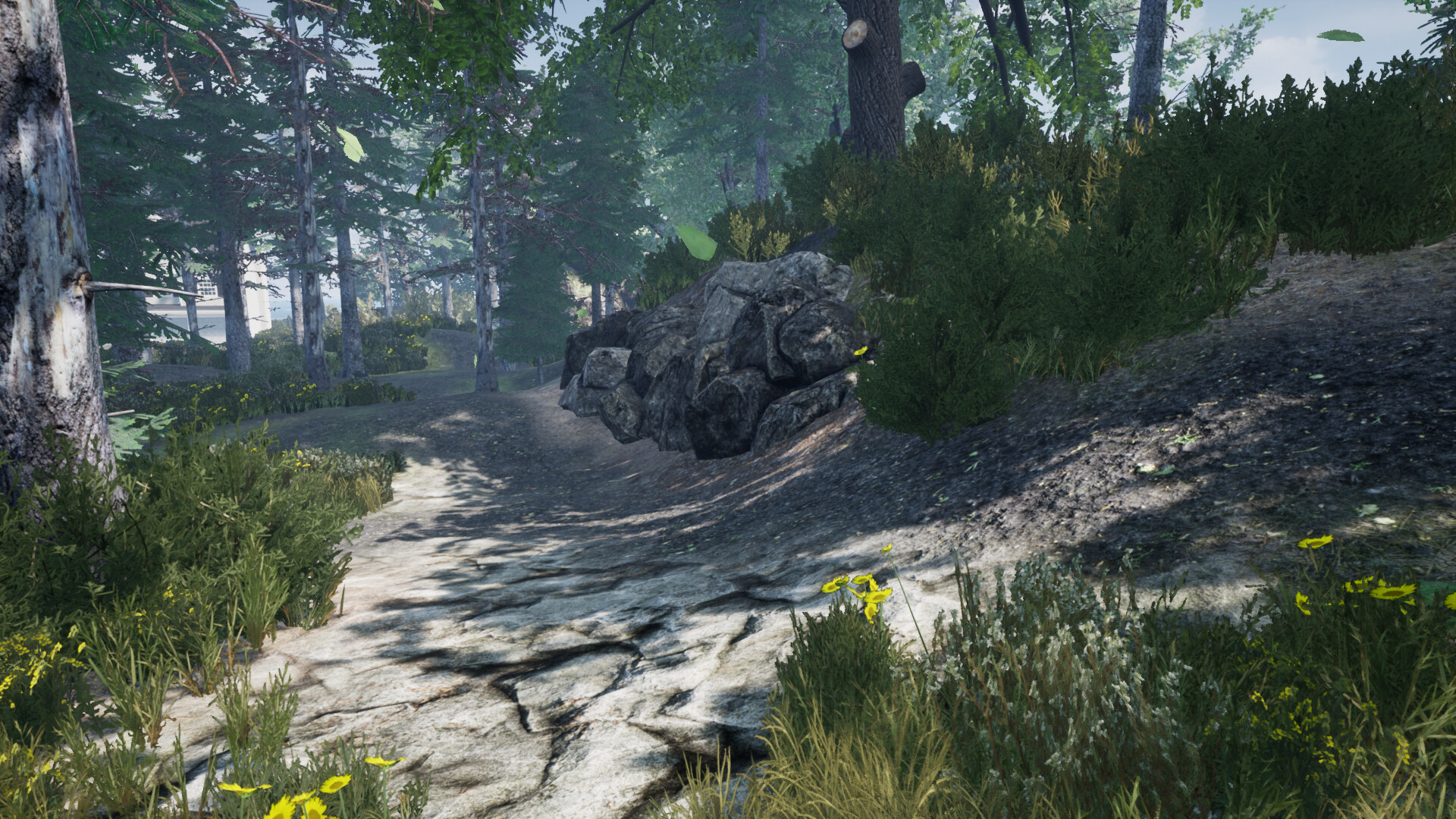
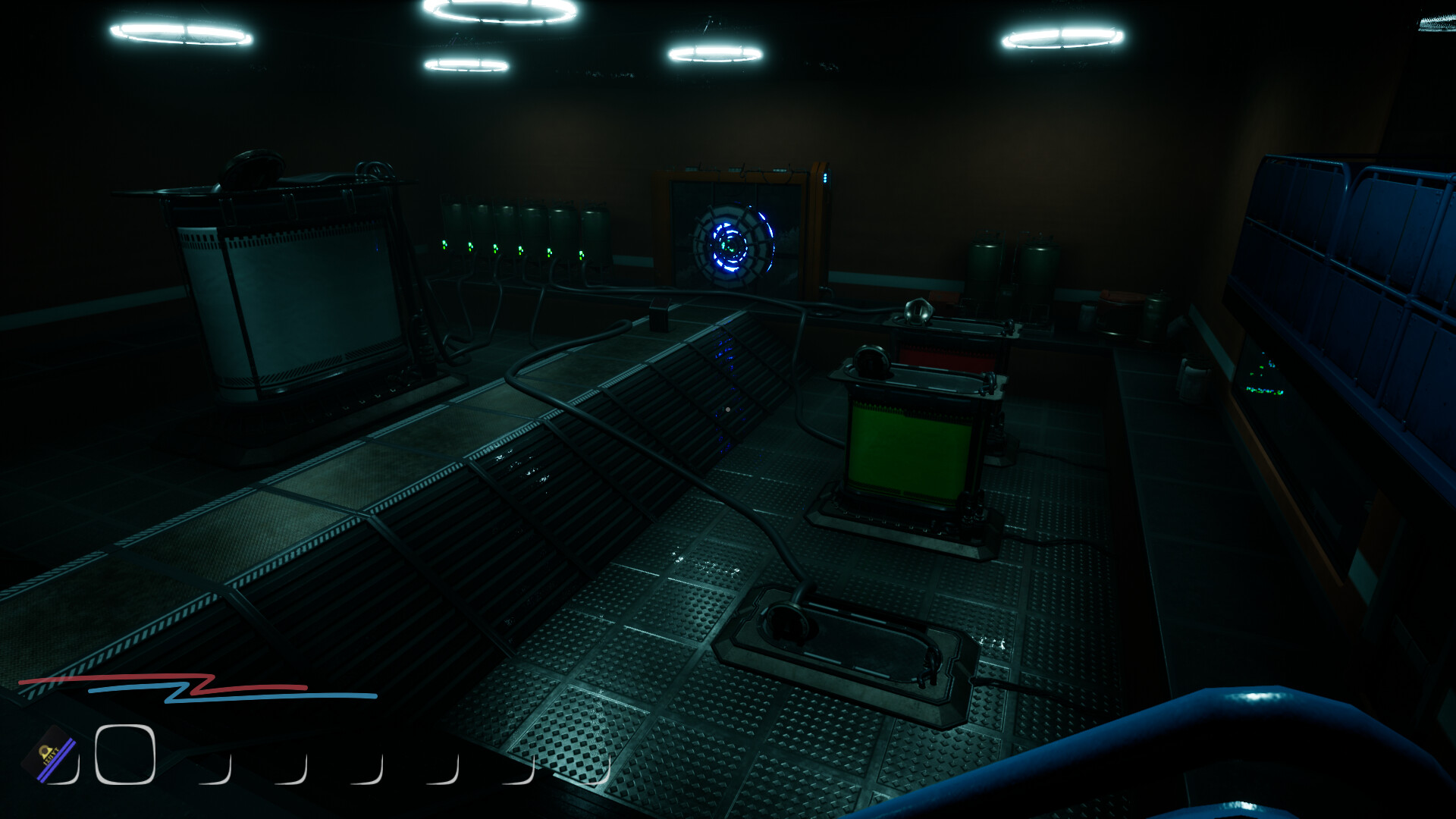
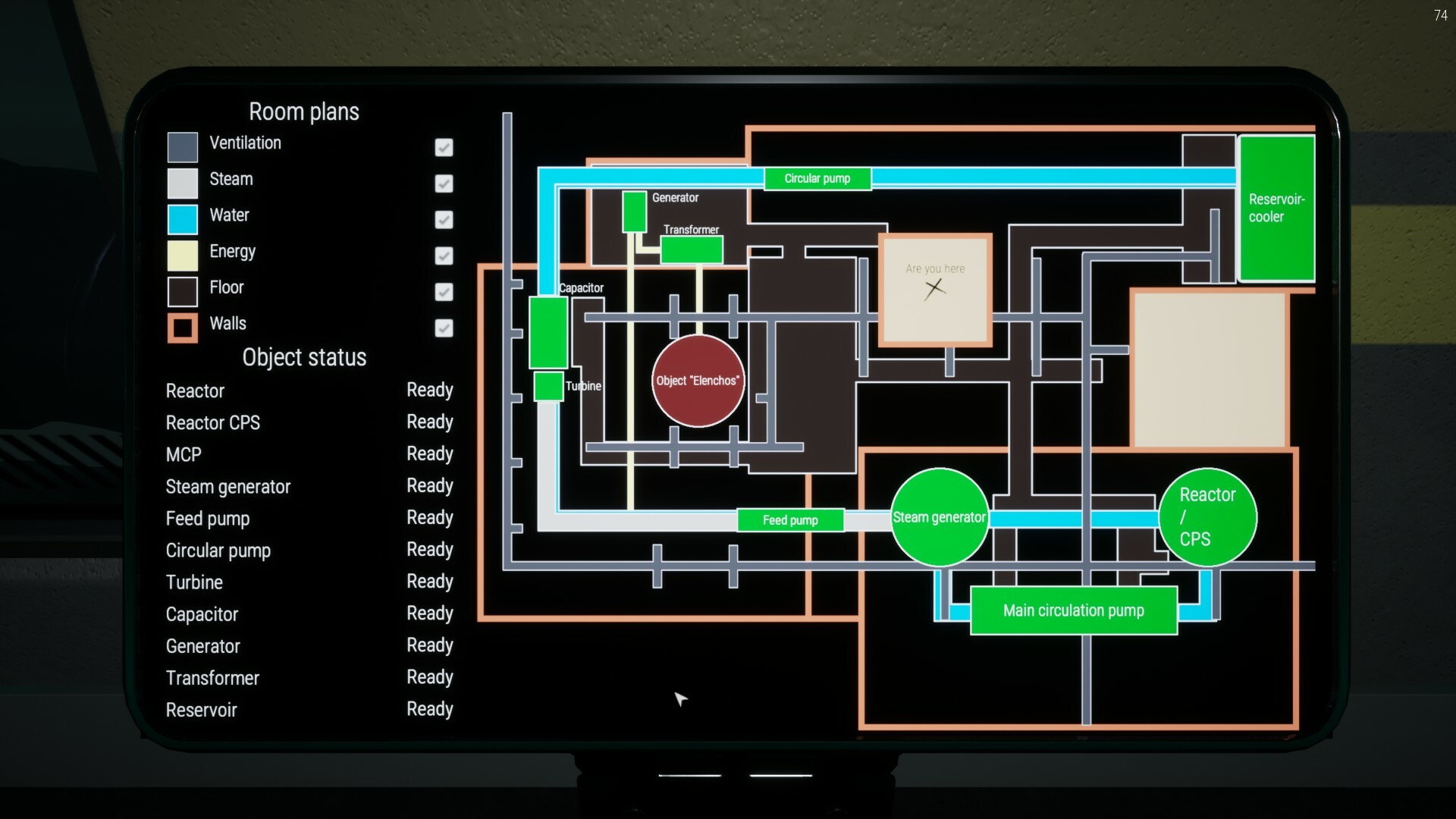
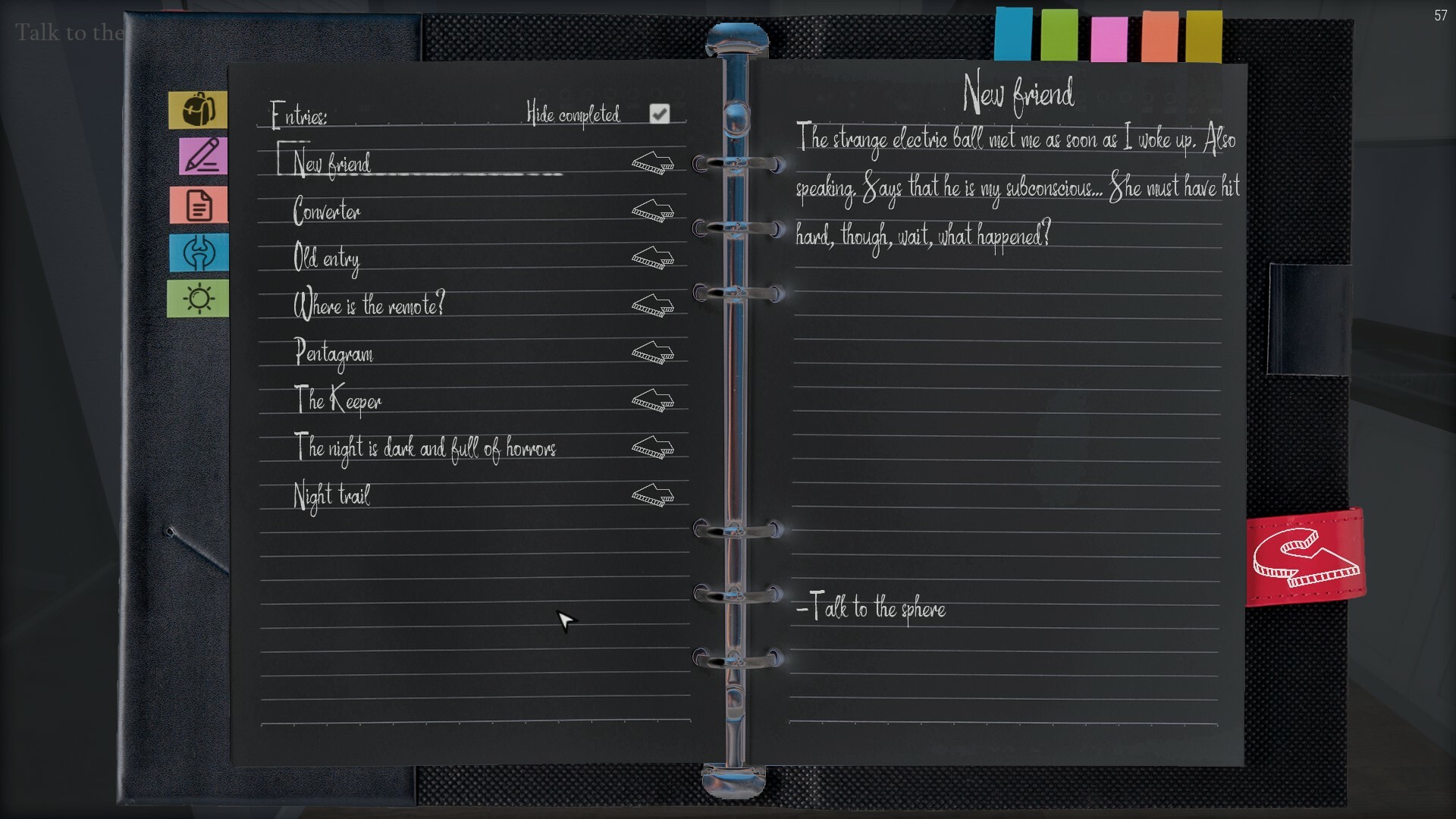
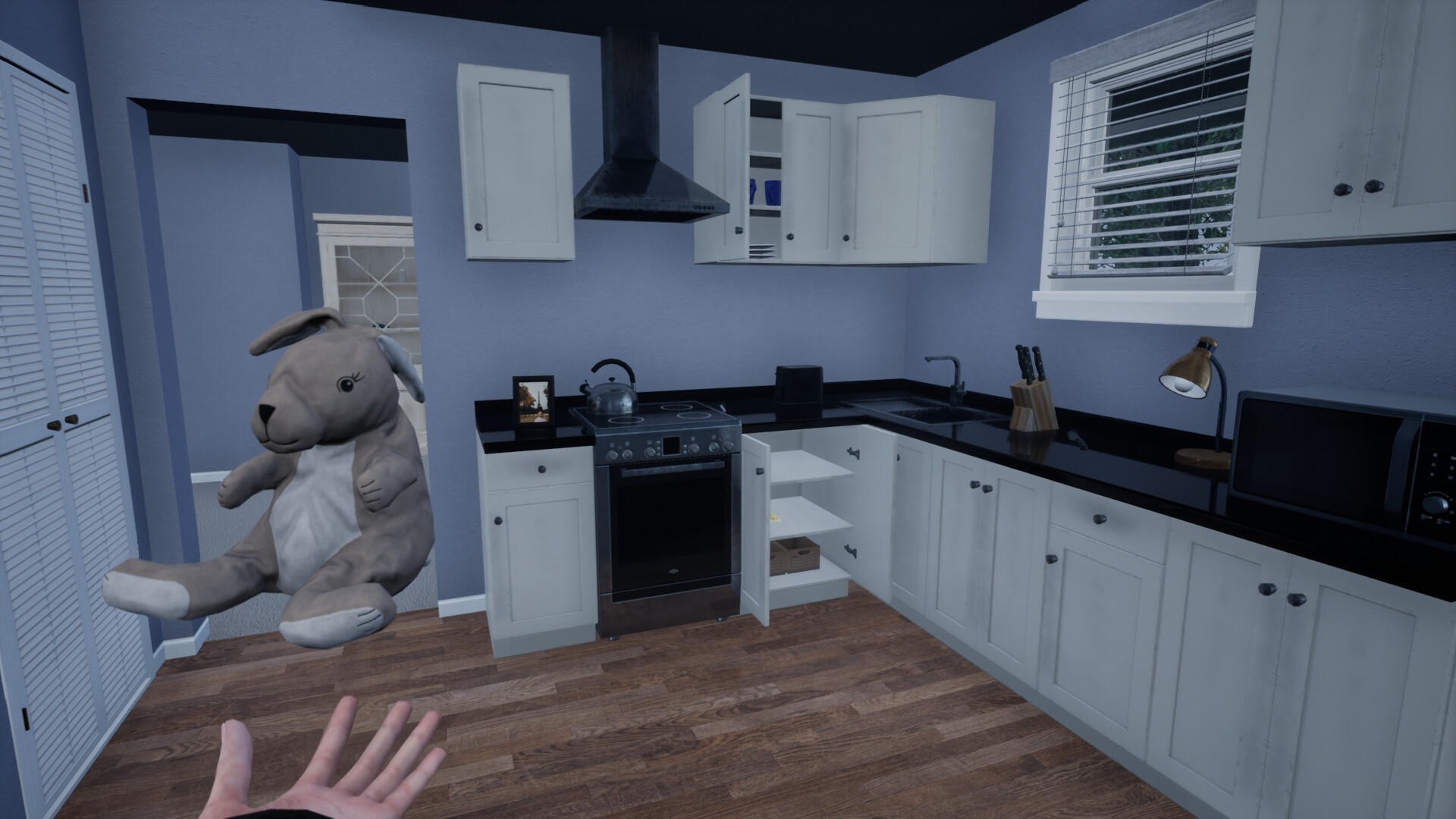
Have you ever felt the boundaries between dreams and reality becoming blurred? The main character, Elures, is about to embark on an extraordinary adventure.Waking up after experiencing amnesia, Elures discovers that she is trapped in the world of her dreams. Your mission is to help her find an escape and in this journey your loyal companion will be her subconscious mind separated from her consciousness. However this dream world is not as simple as it may seem at first glance.Immerse yourself in the atmosphere of mystery and unpredictability of this game, where each step reveals new horizons and presents you with complex puzzles. Join Elures and begin your journey towards awakening! Features Interaction system TouchInput! Lots of different puzzles! Mini-games Change the time around you with an artifact! Launch a nuclear reactor!Don’t think it will be easy. You will need to configure each reactor component in order to run it. Carefully! The principle of its operation is close to the real one. Reveal the secrets of Isput! Find all the bones! Roll the fool! You have to face many challenges that are accompanied by unique mechanics and puzzles Take part in interactive storytelling with an intriguing storyline Interact with a large number of environment elements Learn more about the Between universe and its history Find a lot of references and Easter eggs And that’s not all! The further fate of Elures will depend only on you and your attentiveness.
| Developers | Artesign |
|---|---|
| Publishers | Artesign |
| Genres | Adventure, Indie, Puzzle, Story rich |
| Platform | Steam |
| Languages | English, Russian |
| Release date | 2023-04-20 |
| Steam | Yes |
| Regional limitations | Region free |


