 EUR
EUR  United States Dollar (USD $)
 Australian Dollar (AUD $)
 Canadian Dollar (CAD $)
 The New Zealand Dollar (NZD $)




Your cart is empty
You may check out all the available products and buy some in the shop
Return to shop

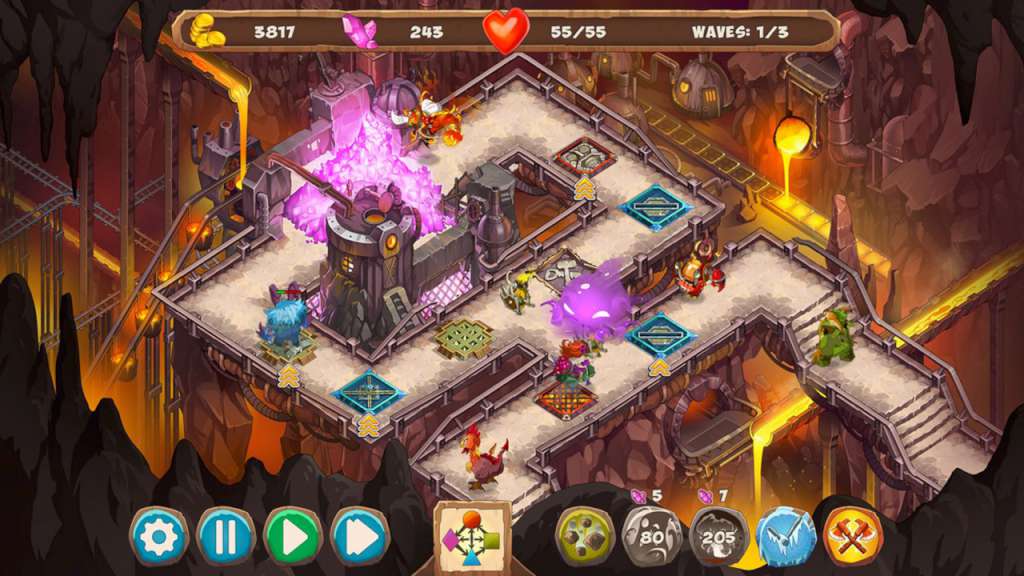
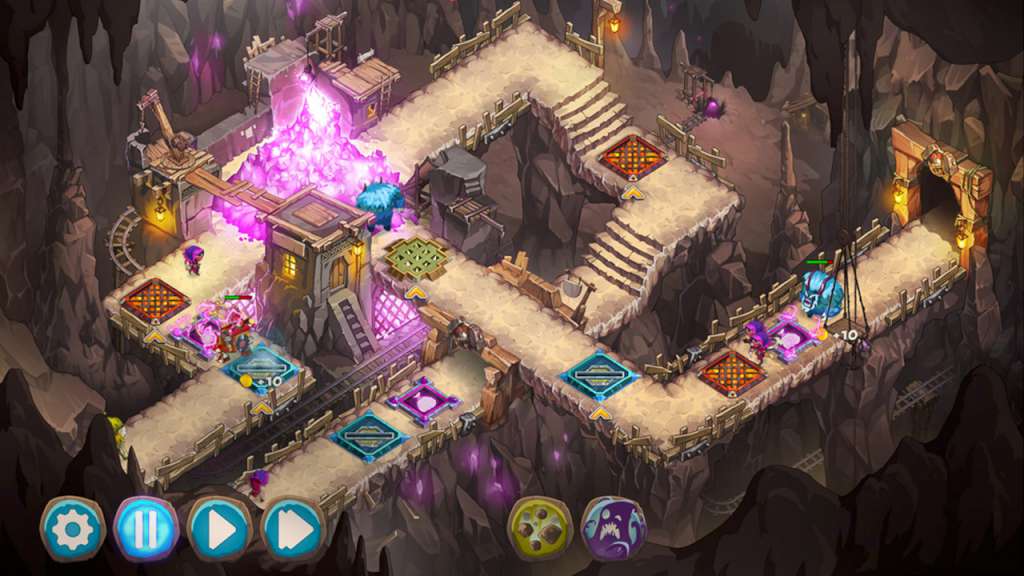
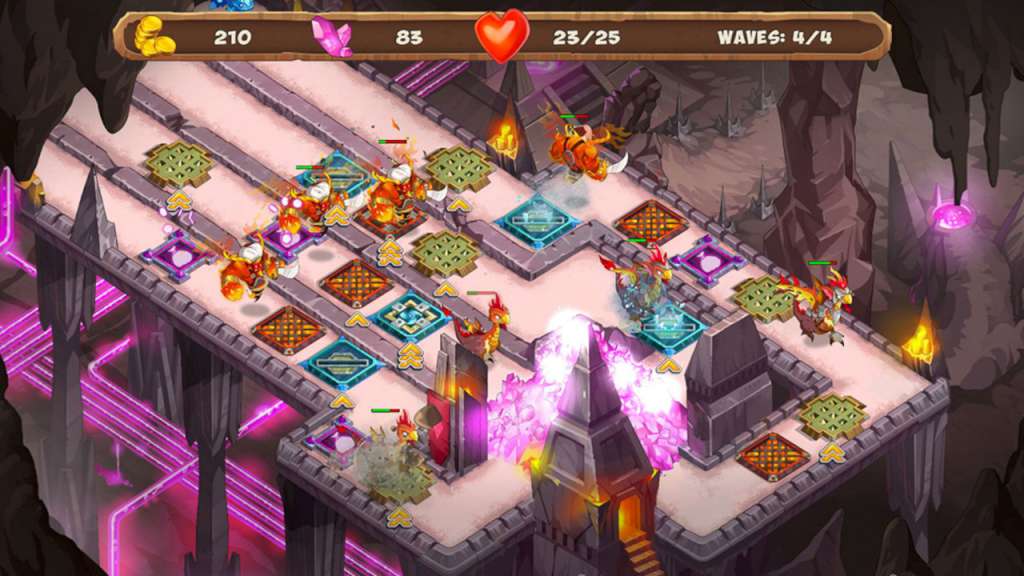
An unknown mineral has been found in the depths of the dwarfish caverns – more valuable than gold and harder than steel. But this find quickly turned sour… The Wicked King laid siege to the underground cities and ordered their inhabitants to give him their entire supply of the wonderful ore. Anyone who wishes to lay their hands on the dwarfs’ treasures must overcome hundreds of clever traps and powerful curses standing in their way. Gnumz: Masters of Defense is a strategy game inspired by classical fantasy. Its new system of interacting elements will reveal your tactical talents, and brute force has its place as well. Each level in the underground caverns requires an individual approach. New players and hardcore gamers alike will enjoy its carefully crafted balance. Build an ideal chain of traps. Use magic and the power of the elements: earth, ice, fire and shadow. Battle in the depths of the Iron Mountain, in the cold of the Icy Halls, in the hellish fire of the Crucible and among the secrets of the Shadow Frontier. Defeat the army of the Wicked King! Features Crush the invaders with the power of the four elements! A mechanic new to the Tower Defense genre! Play with tactics or with brute force! A mass of refined traps and magical spells! Destroy hundreds of enemy invaders! A new fantasy world with dozens of underground cities, mines and catacombs! Destroy the Wicked King’s massive army!
| Developers | Creobit |
|---|---|
| Publishers | 8Floor |
| Genres | Casual, Strategy |
| Platform | Steam |
| Languages | English, Russian |
| Release date | 2015-12-21 |
| Steam | Yes |
| Regional limitations | Region free |


