 EUR
EUR  United States Dollar (USD $)
 Australian Dollar (AUD $)
 Canadian Dollar (CAD $)
 The New Zealand Dollar (NZD $)



Your cart is empty
You may check out all the available products and buy some in the shop
Return to shop
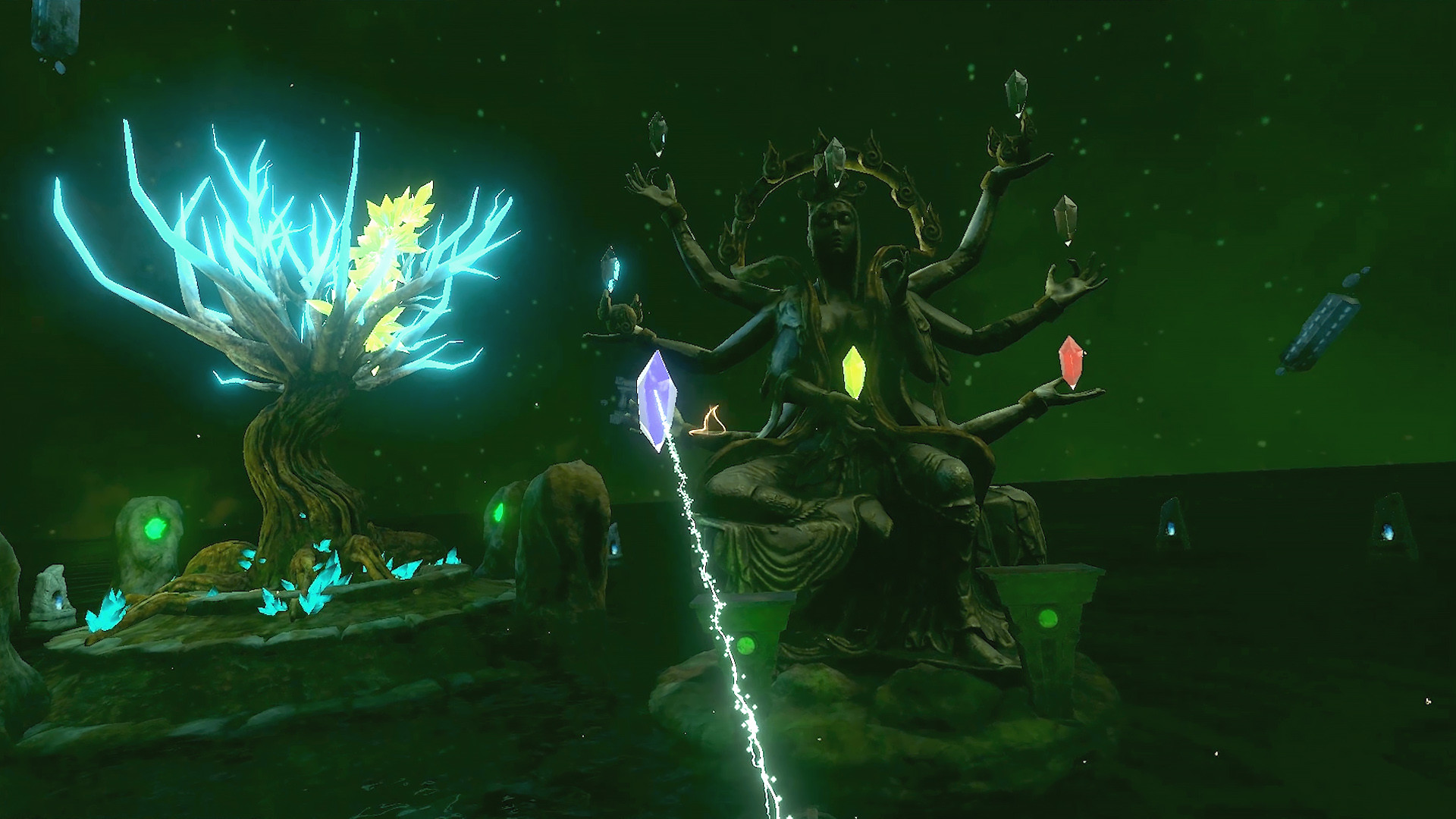
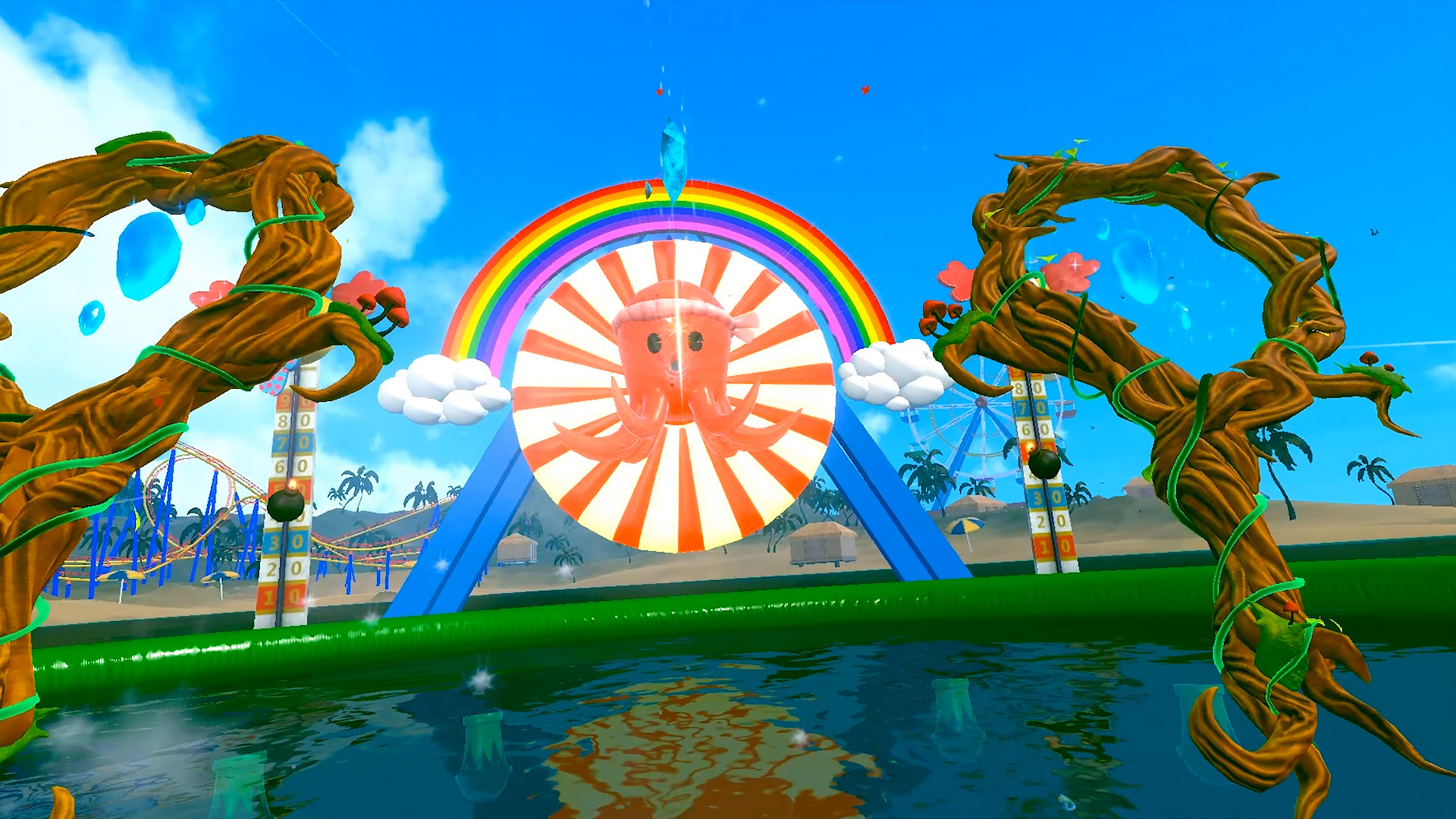
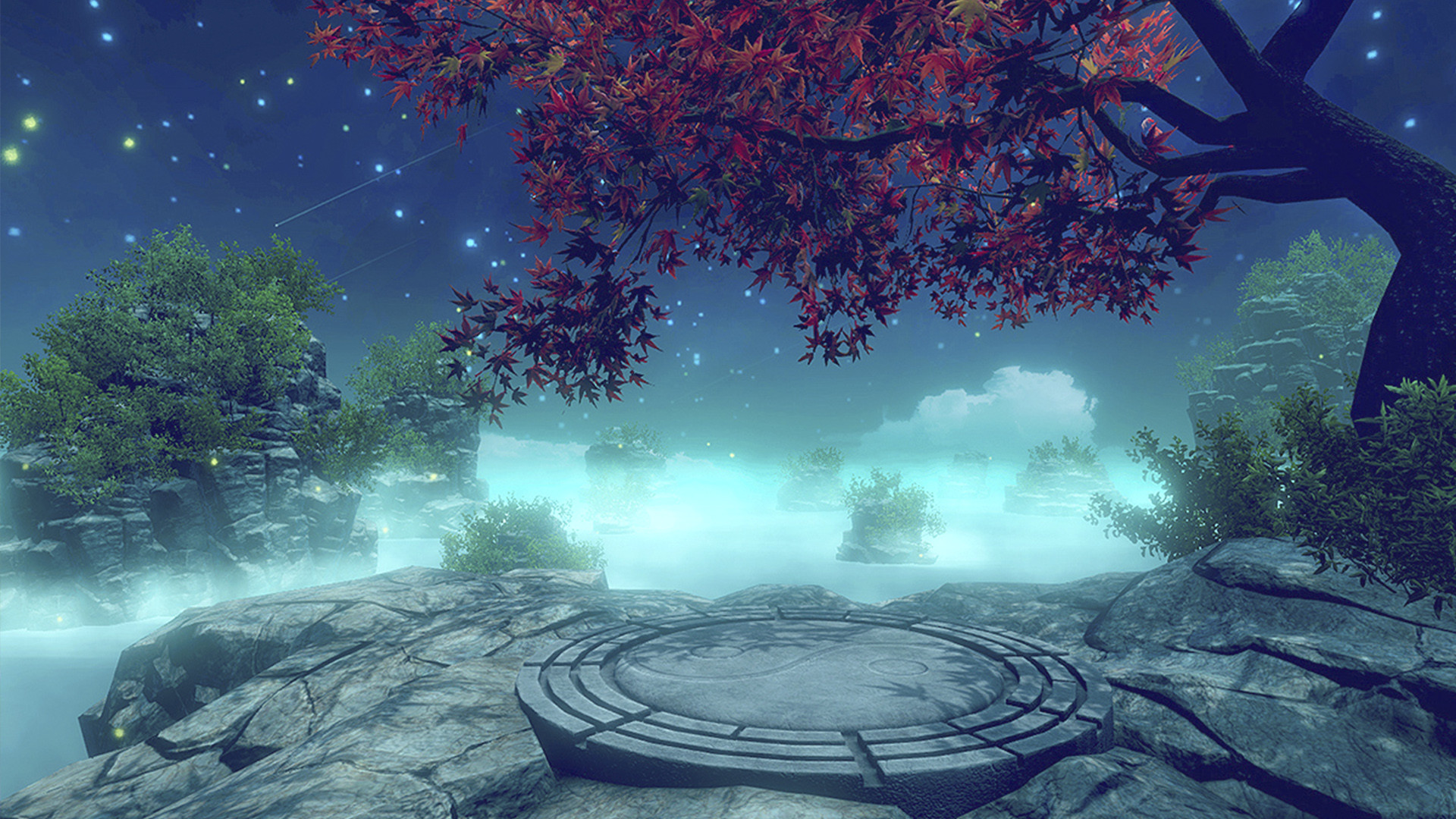
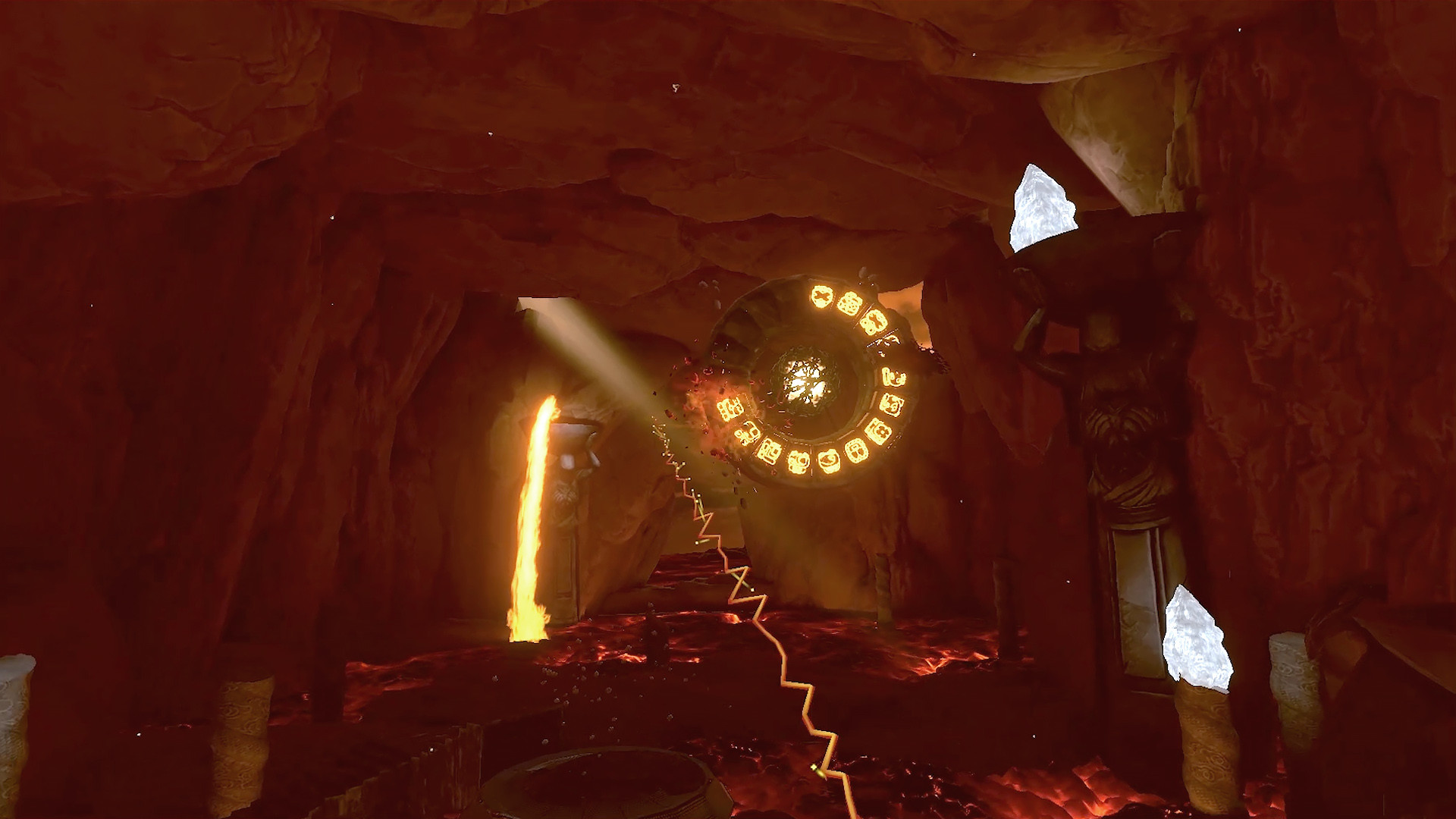
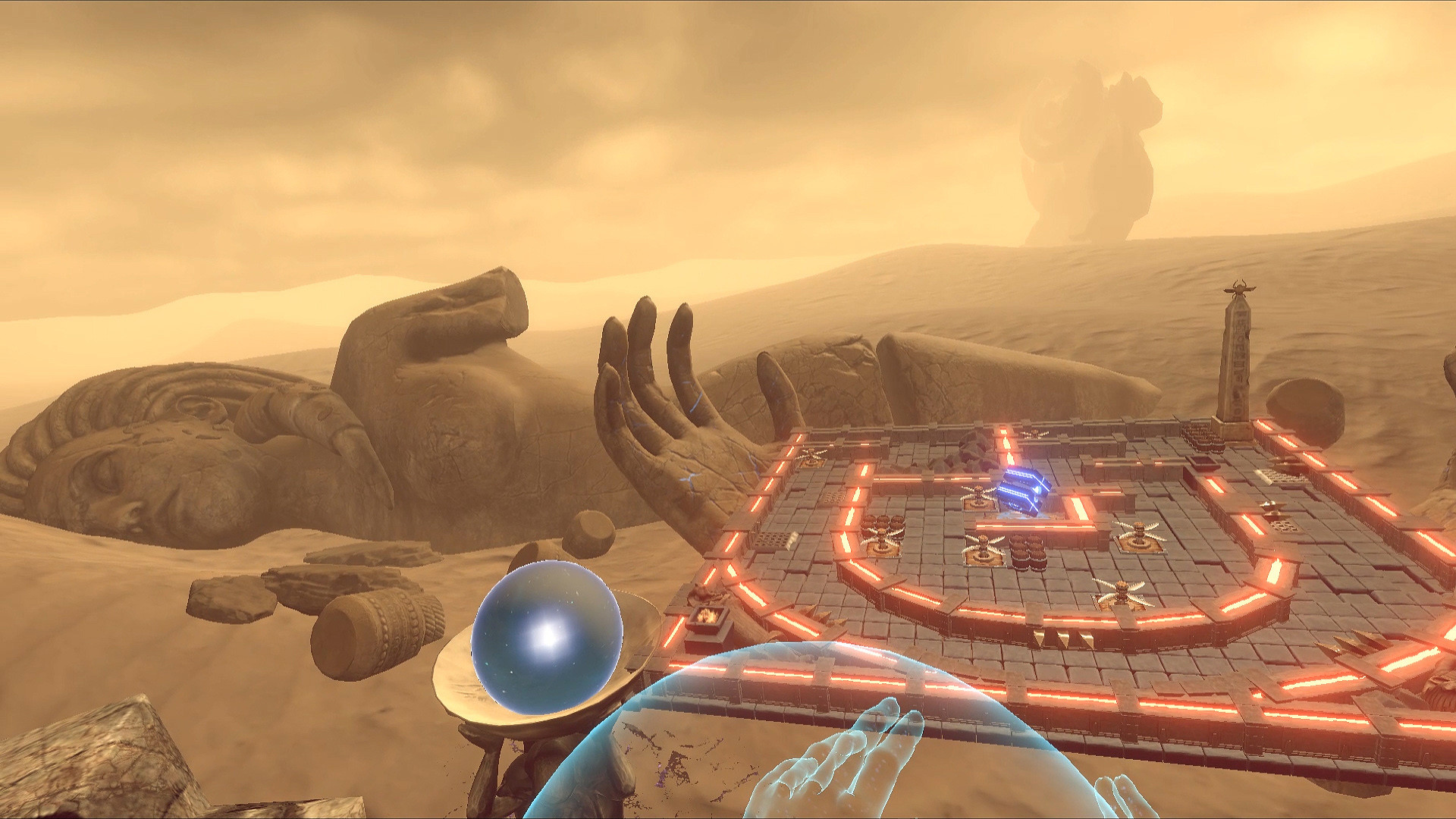
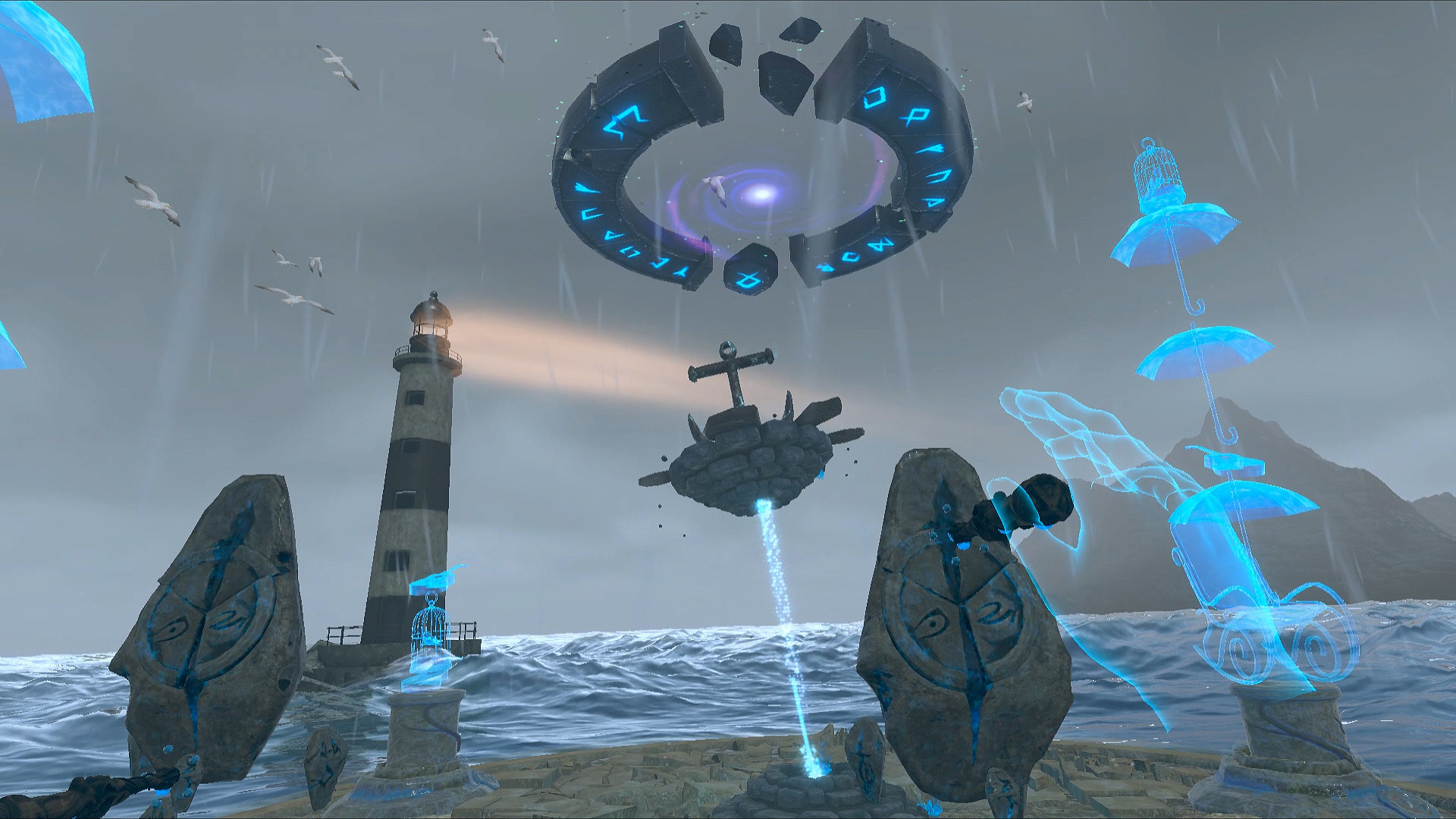
“You are dead, but this is only the beginning of your journey”. Soulpath is an oniric world that contains 9 unique minigames that are perfect for VR newcomers, but also offer some original approaches to experienced VR users. Easy to play, but with lots of variation and challenging Steam achievements.Play through Joy, Sadness, Anger, Fear, and many more. Every level changes the way to play and gives a new experience, showing a complex universe of shapes, colors and music, that players can discover and explore.. Play through 9 different levels, where each level is a new challenge that players can master.. 3 difficulty levels.. Catch, throw and use objects to solve puzzles.. Practice Tai-chi on top of a sacred mountain.. Break ancient seals to release the magic of the world.. Discover 9 unique levels related with your emotions.. Fun, simple and challenging game mechanics in immersive virtual reality.. A game that will challenge your skills and reflexes.Soulpath: the final journey, is an unforgettable journey through emotions and the adventure of life. An imaginative game, that mixes unique game mechanics with a simple but touching narrative.Travel through your emotions, play with your memories, learn and get ready to transcend.
| Developers | The Game Forger |
|---|---|
| Publishers | The Game Forger |
| Genres | Adventure, Indie |
| Platform | Steam |
| Languages | English, Spanish |
| Release date | 2021-07-09 |
| Steam | Yes |
| Regional limitations | Region free |


